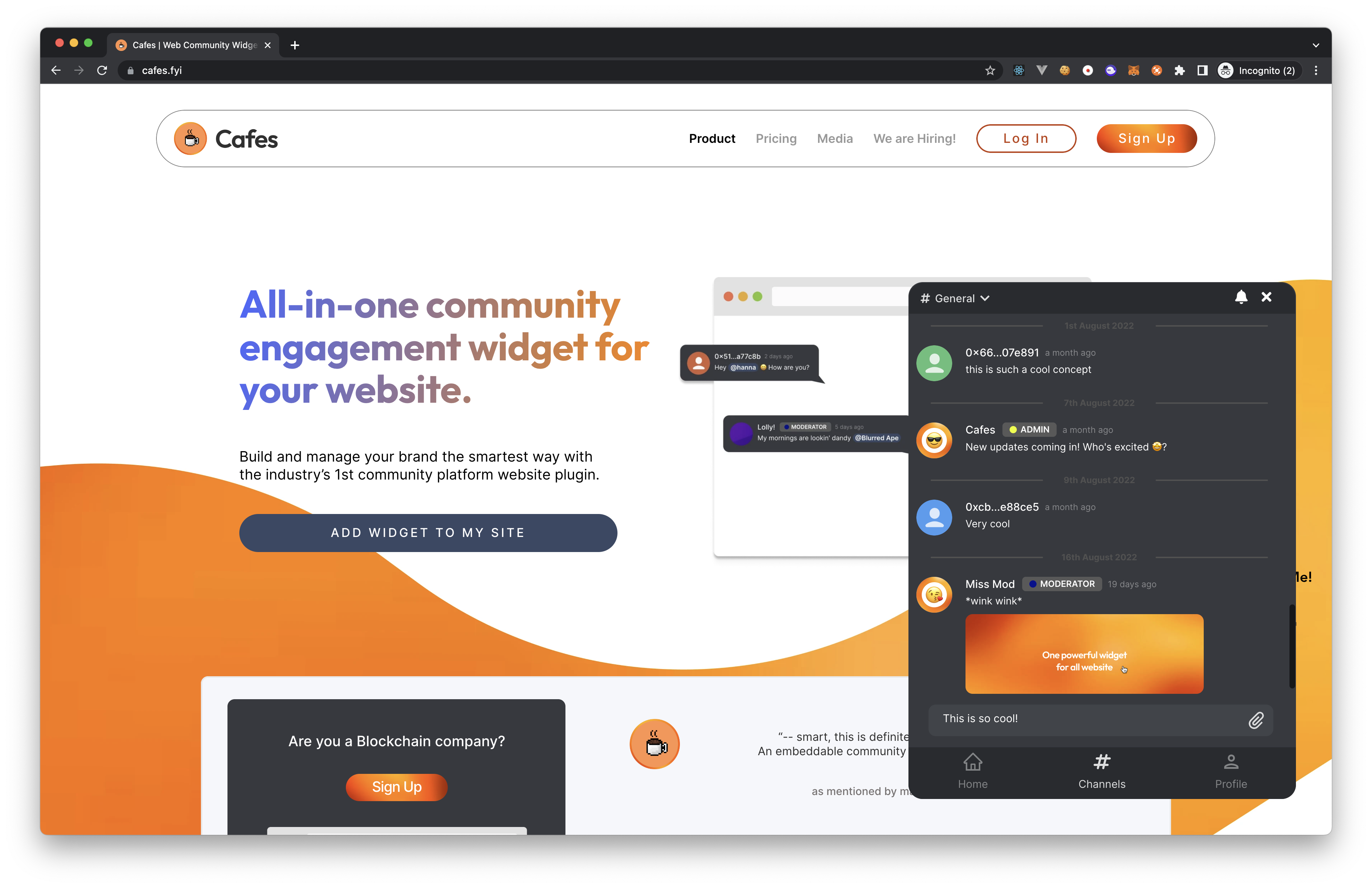
How to login to your cafe?


caution
Ensure you have completed the Getting started guide before proceeding.
Note
You will need to have a web3 wallet installed on your browser to login to your cafe. We recommend using Metamask.
Head over to your awesome website and click on the Cafes icon on the bottom right corner of your screen.
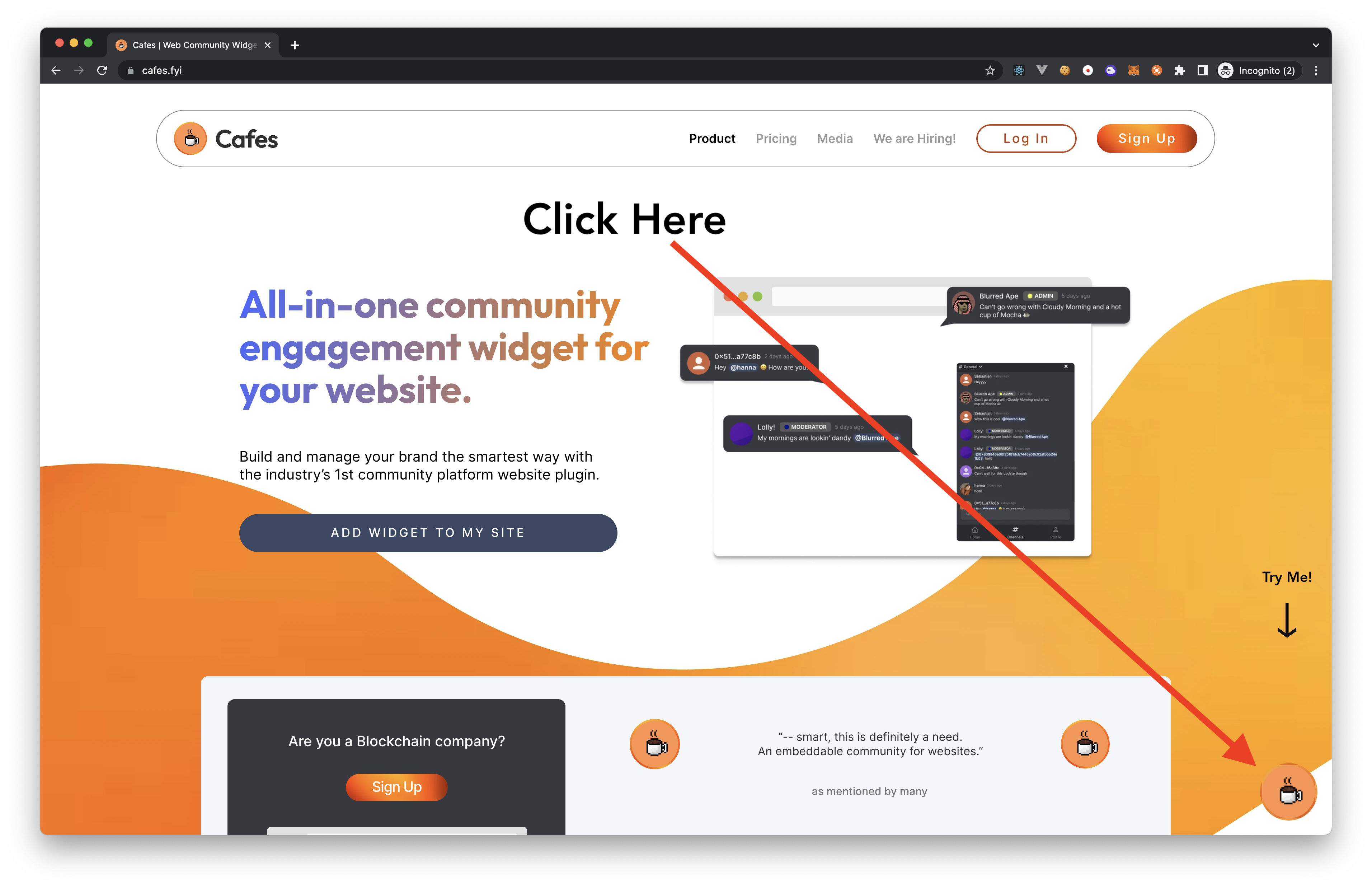
Click on the
Enter your cafebutton.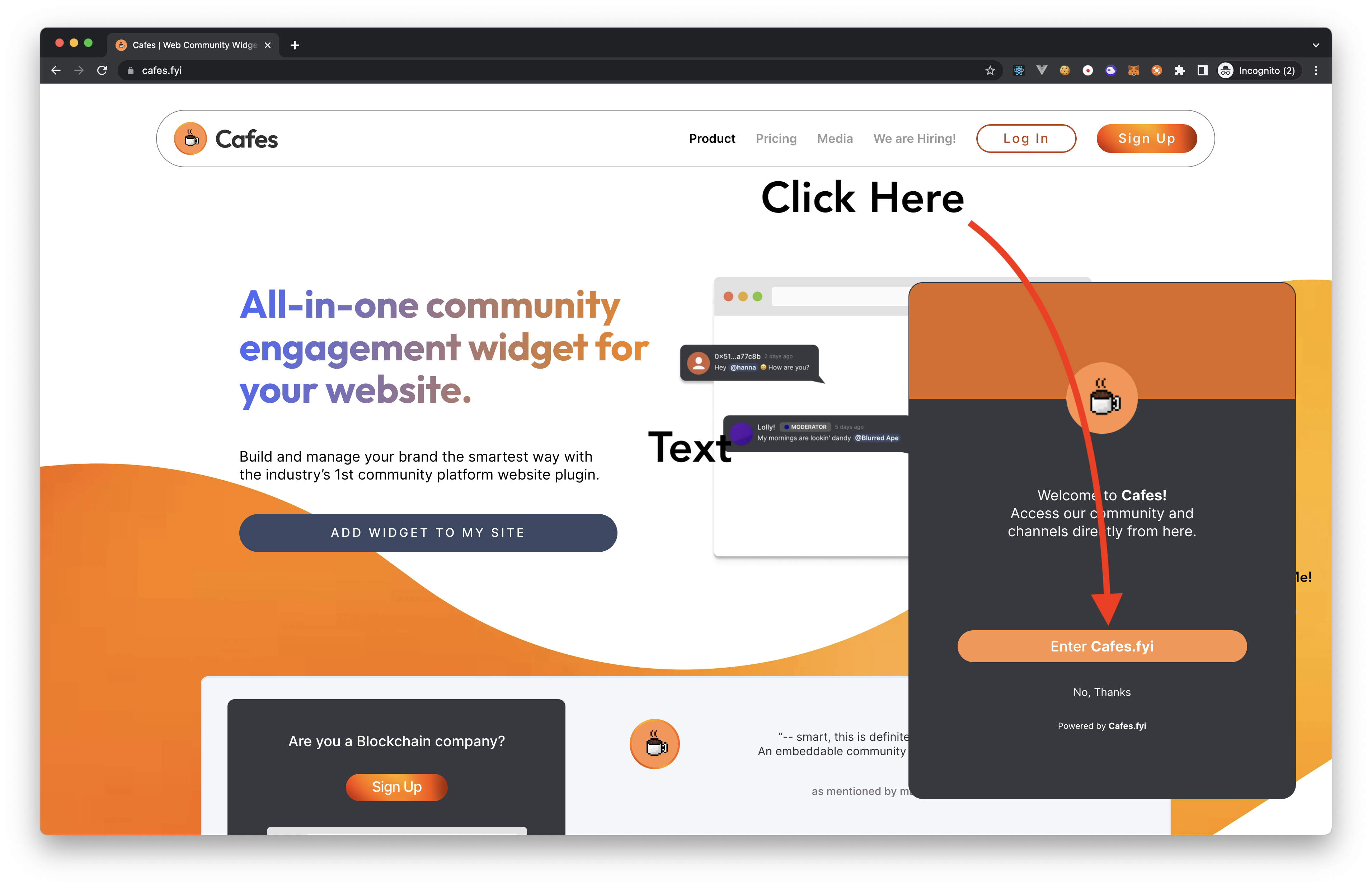
You will be prompted to login to your web3 wallet. Login to your web3 wallet and click on the
Signbutton to verify your identity and login to your cafe.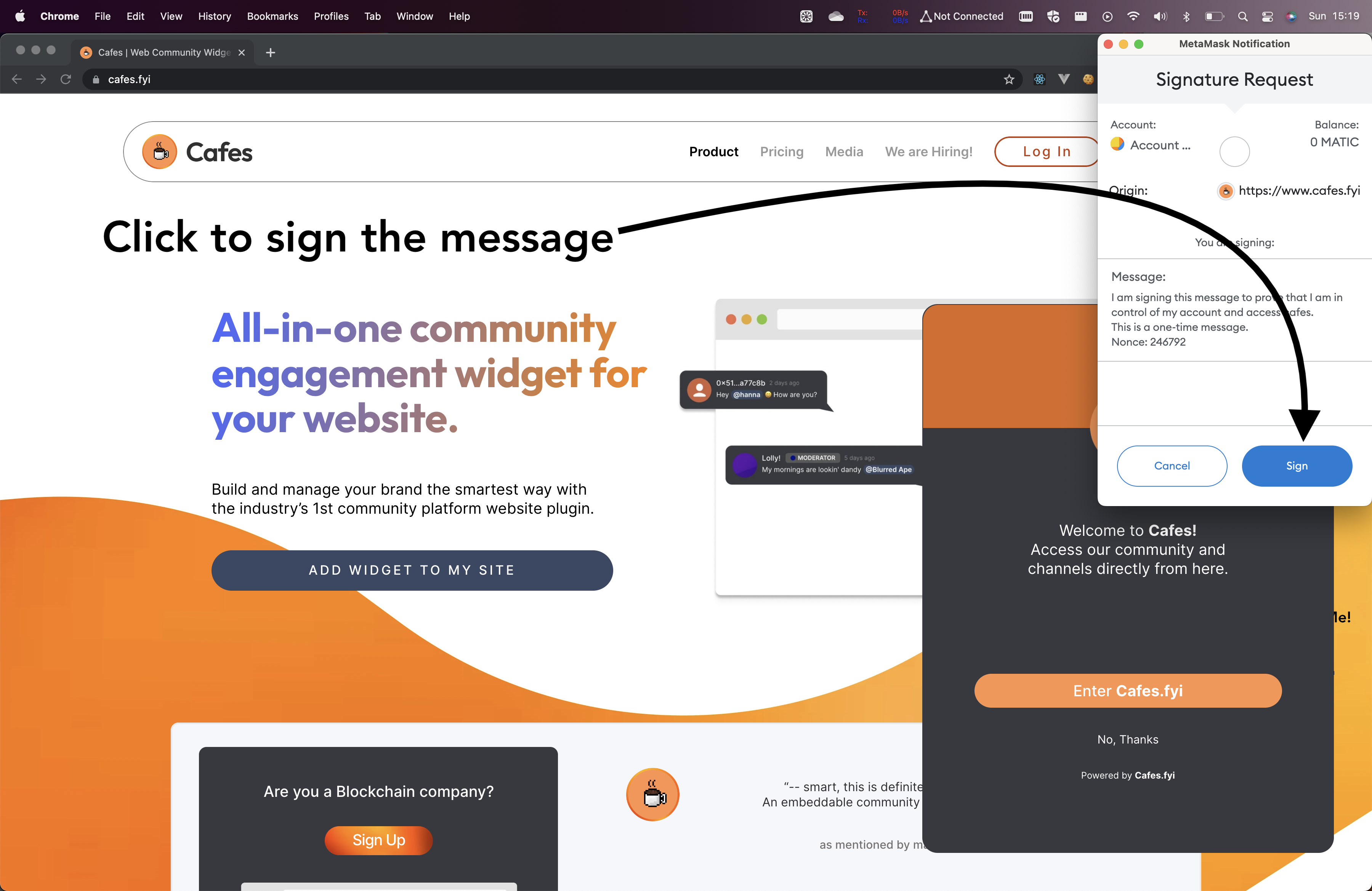
Voila! You are now logged in to the cafe. You can now start chatting with your community.