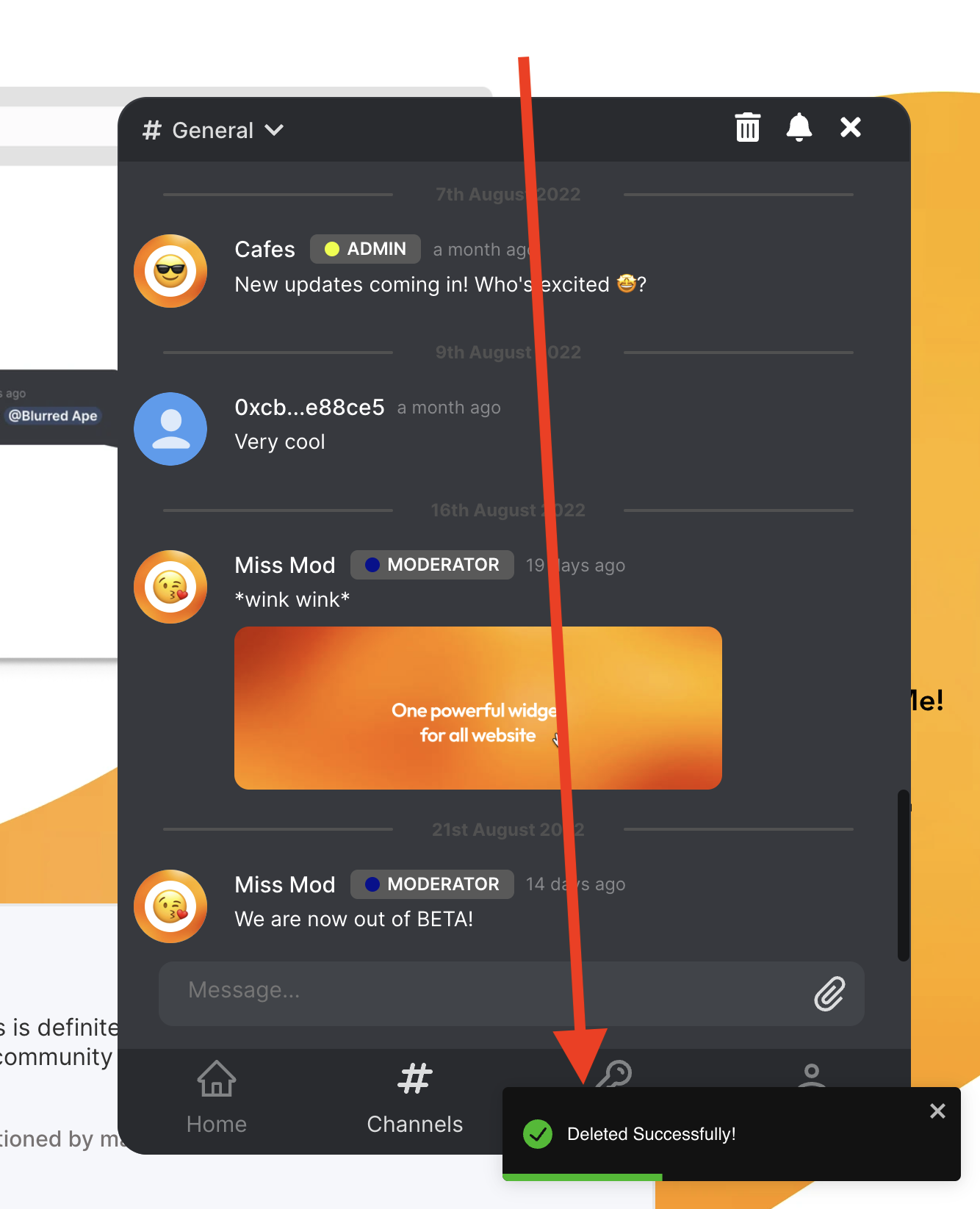
How to delete a channel?


caution
At any point in time, you should have at least one channel in your cafe. You cannot delete the last channel in your cafe.
Head over to the
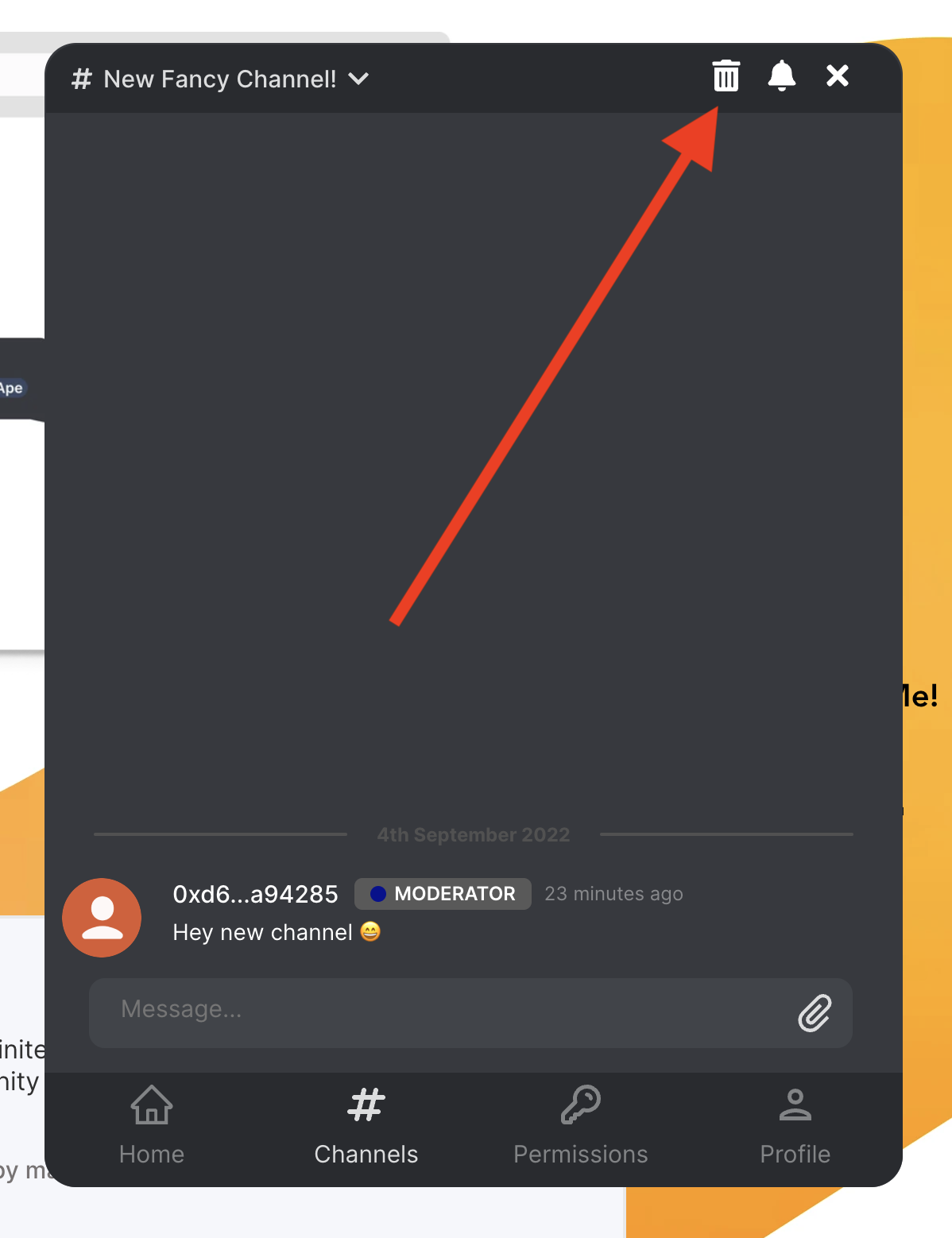
Channelstab in your cafe via the bottom navigation bar.Enter the channel you want to delete via the channel list. (located at the top of your cafe)
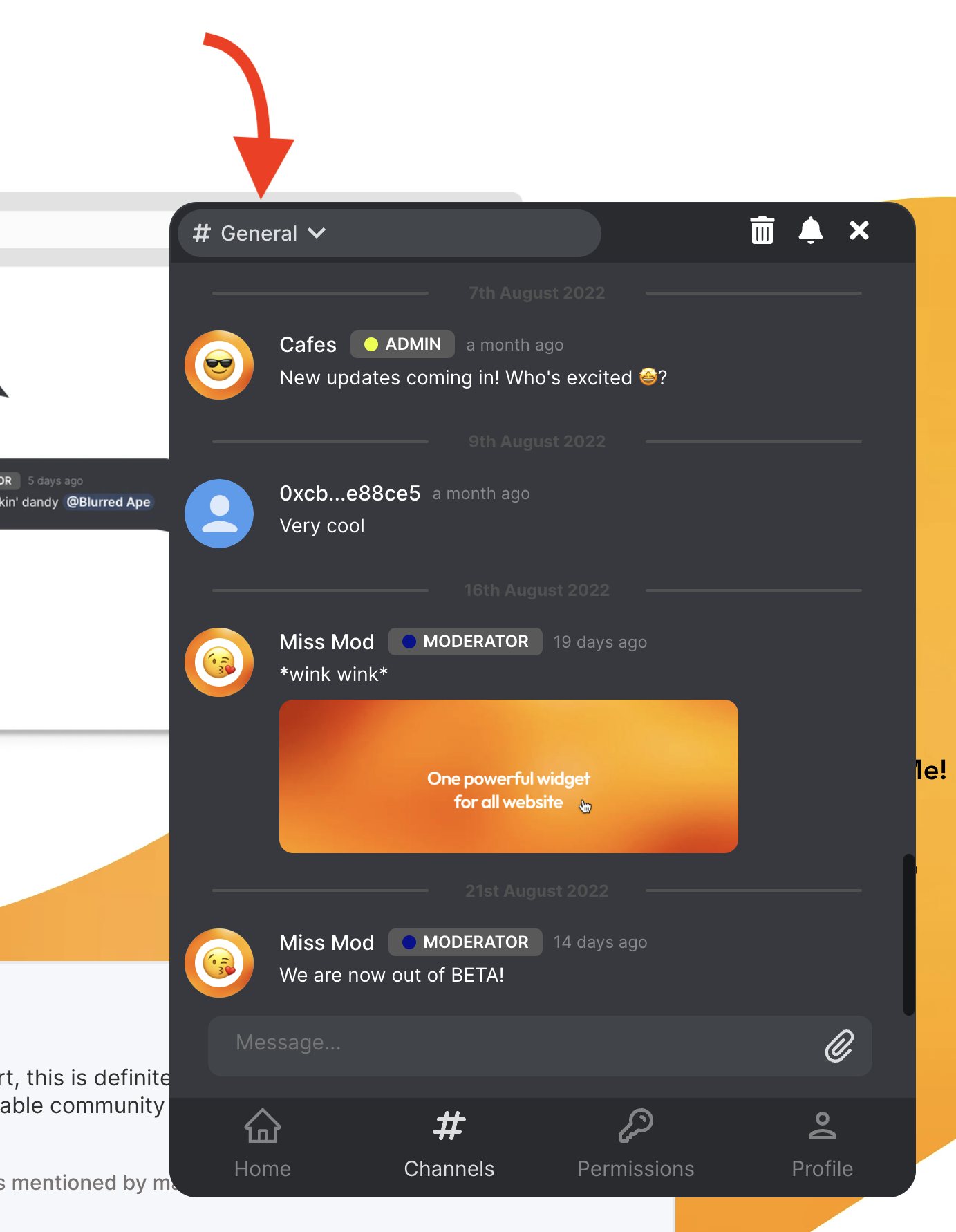
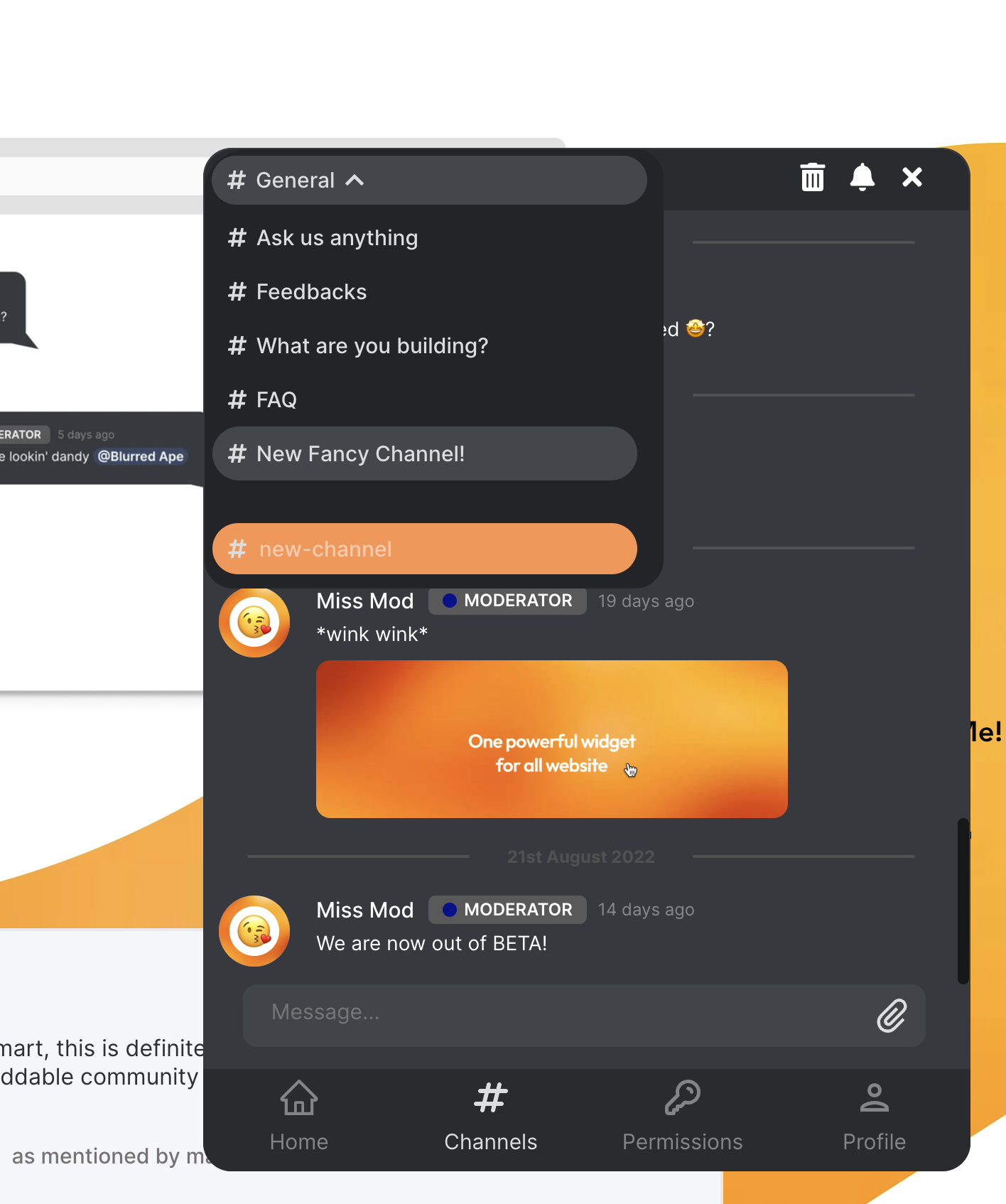
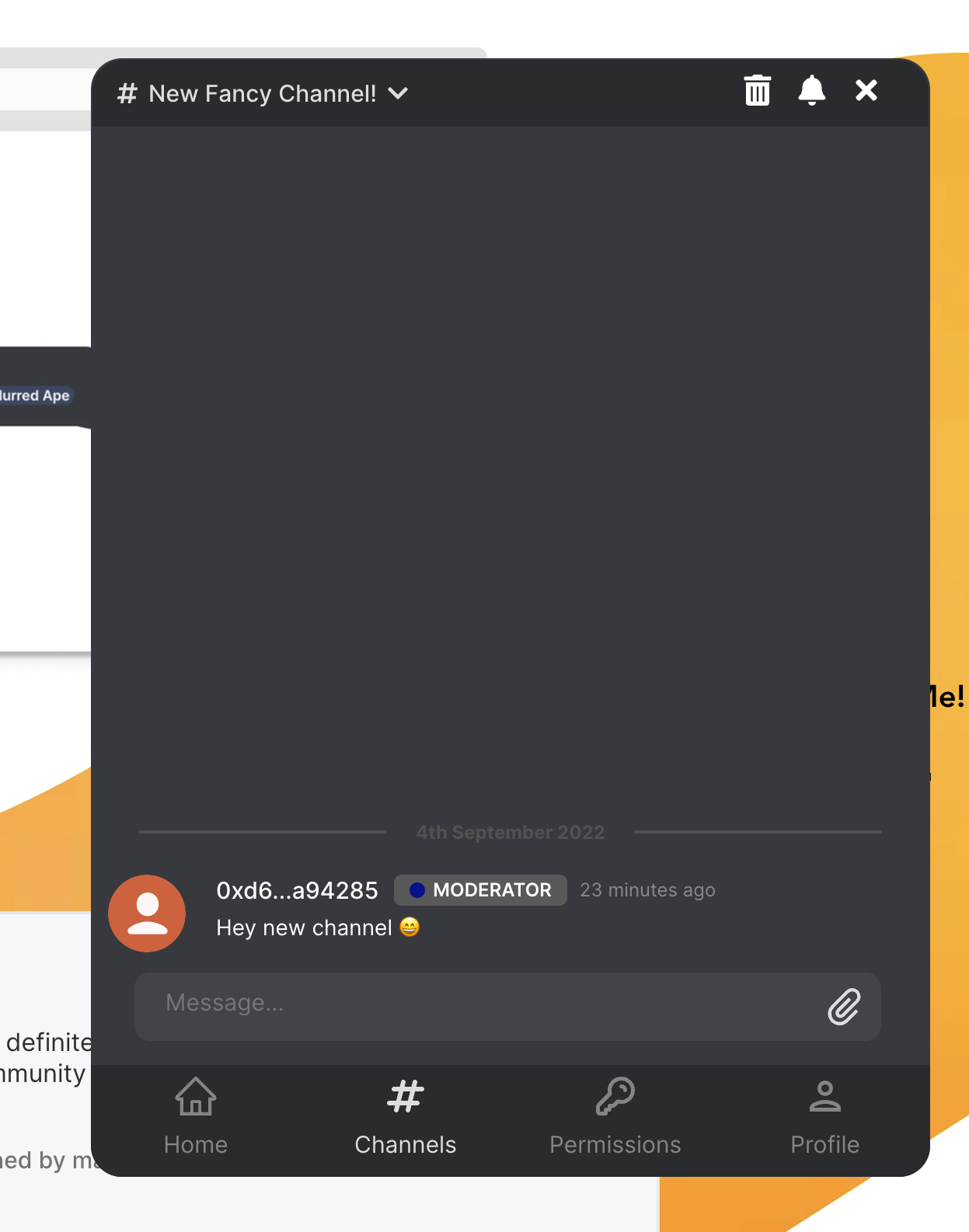
If you're a moderator or an admin, you will see a bin(🗑) icon at the top right corner of the channel. Click on the bin(🗑) icon to delete the channel.
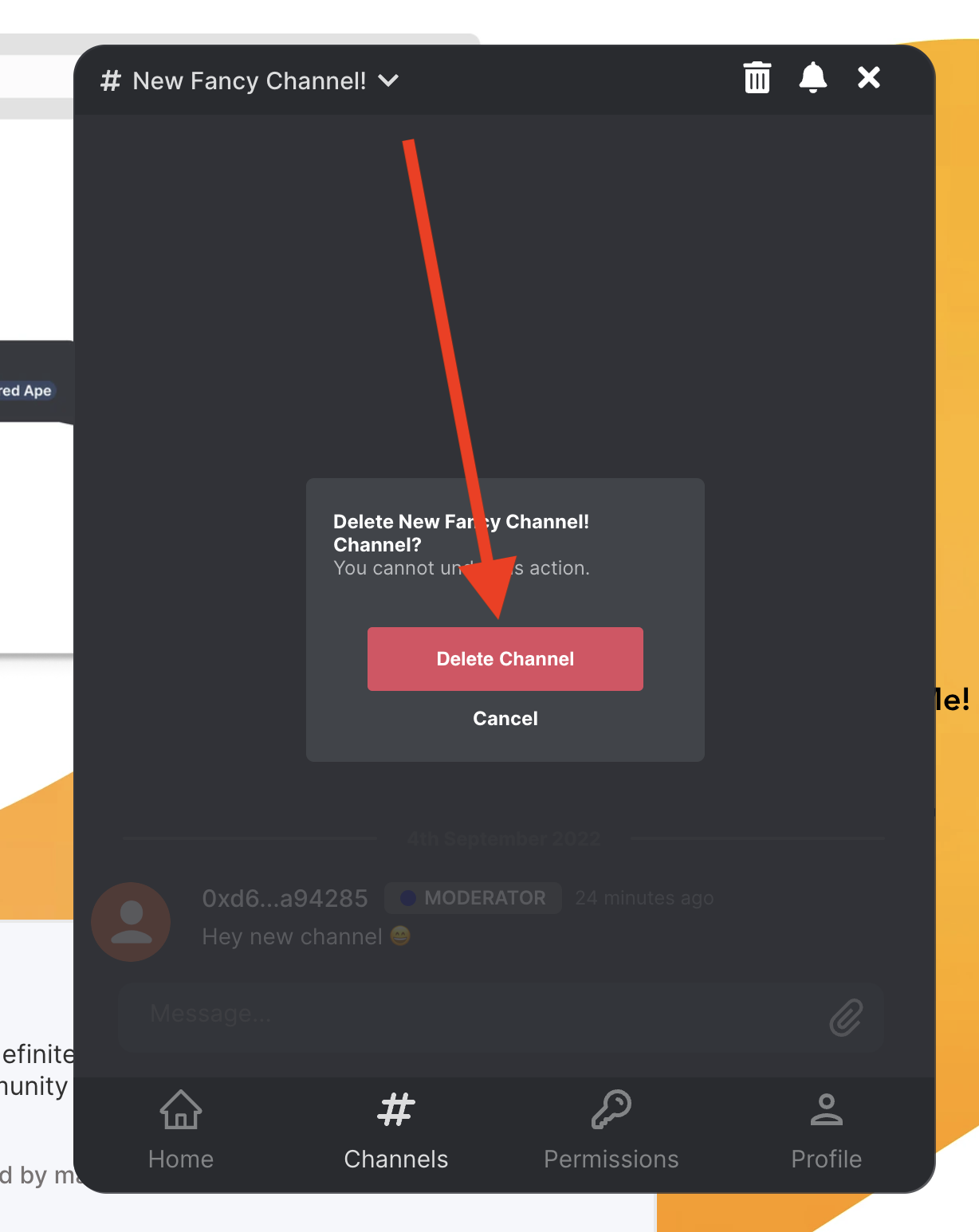
Confirm the deletion of the channel by clicking on the
Delete Channelbutton.
 |
Your channel has now been deleted and you should see a confirmation message.